

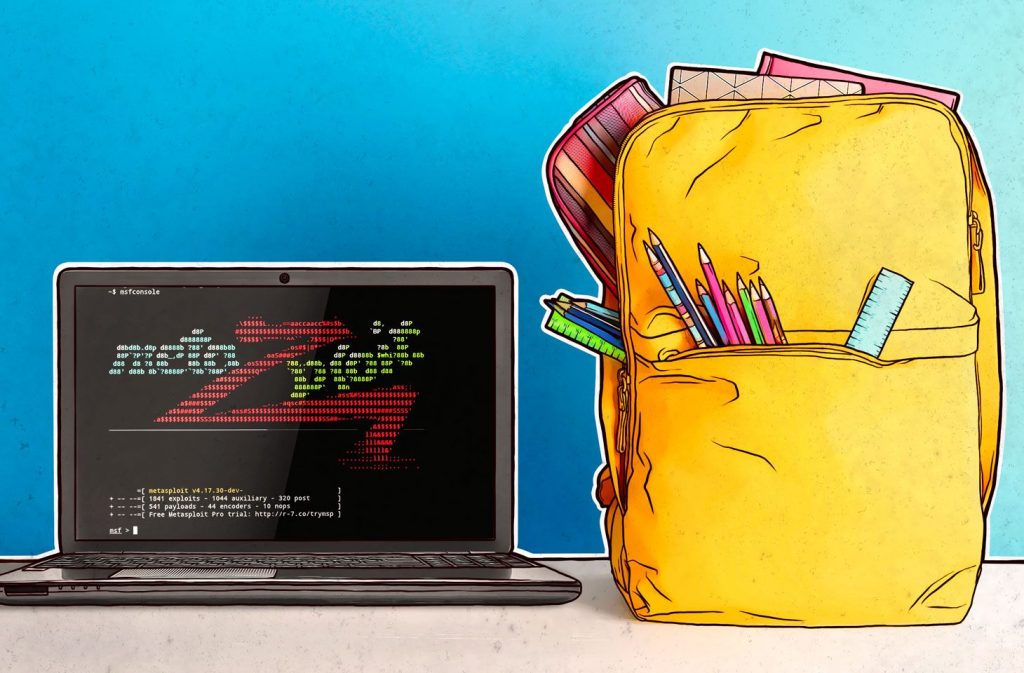
A nationwide study by Universiti Malaya shows that over three quarters of Malaysian students, who have been away from classrooms for almost 35 weeks, are eager for physical classes to resume.
The Ministry of Education announced that schools are reopening in stages for states under phase 3 and 4 of the National Recovery Plan (NRP).
During the home-based teaching and learning (PdPR) period, Kaspersky detected 28.9 million different Internet-borne cyber threats during the period of April till June 2021 in Malaysia. Two methods widely used by cybercriminals for web threats include exploiting vulnerabilities in browsers and their plugins and the infamous tactic of social engineering.
Kaspersky has the following tips to help teachers make remote learning as convenient as possible:
Learn about the tools you will be using
Select the tools you will use to conduct your online classes – the video conferencing platform, testing service, messaging app etc. You can learn the functions and features by reading through the instructions, learning the interface and searching online for configuration guidelines.
Limit your tools
The school may have access to a very large number of services, choose only the ones you need.
Set a unique password for each service
If someone manages to crack your password for one of the services you are using, then you have a problem. Set a unique password for every account.
Develop a code of conduct for your classes
Preferably set in writing.
Agree on backup channels
To avoid glitches during a video conference, figure out in advance which service your class will use if the default one is not working.
Guard your educational accounts
Besides students being interested in accessing your accounts to alter grades, an attacker who gains access to your account can also obtain any personal data of the class, which could lead to legal consequences.
Understand how to recognize phishing e-mails
Cybercriminals are interested to steal your account credentials. It is important to know how to distinguish phishing attempts from official mailings.
Protect devices
Install reliable protection on every device you use to access educational resources.
Here are some essential tips for parents to protect their children against cyber threats:
- Talk to your children about the potential dangers that they may face online
- Move their computers to a common family room if possible
- Try to make the computer a shared family experience
- Encourage your children to talk to you about anything they experience online that upsets them or makes them feel uncomfortable
- Restrict the content that can be accessed via the computer
- Provide guidelines that let your children know what they can and cannot do on the Internet, such as making online purchases, downloading music, videos, usage of chatrooms, etc
- Download and install latest security patches and updates for all your devices
- Install a rigorous antivirus product that is capable of defending all of your family’s computers and mobile devices against malicious programs and hackers
Join our Telegram channel to receive latest news alert